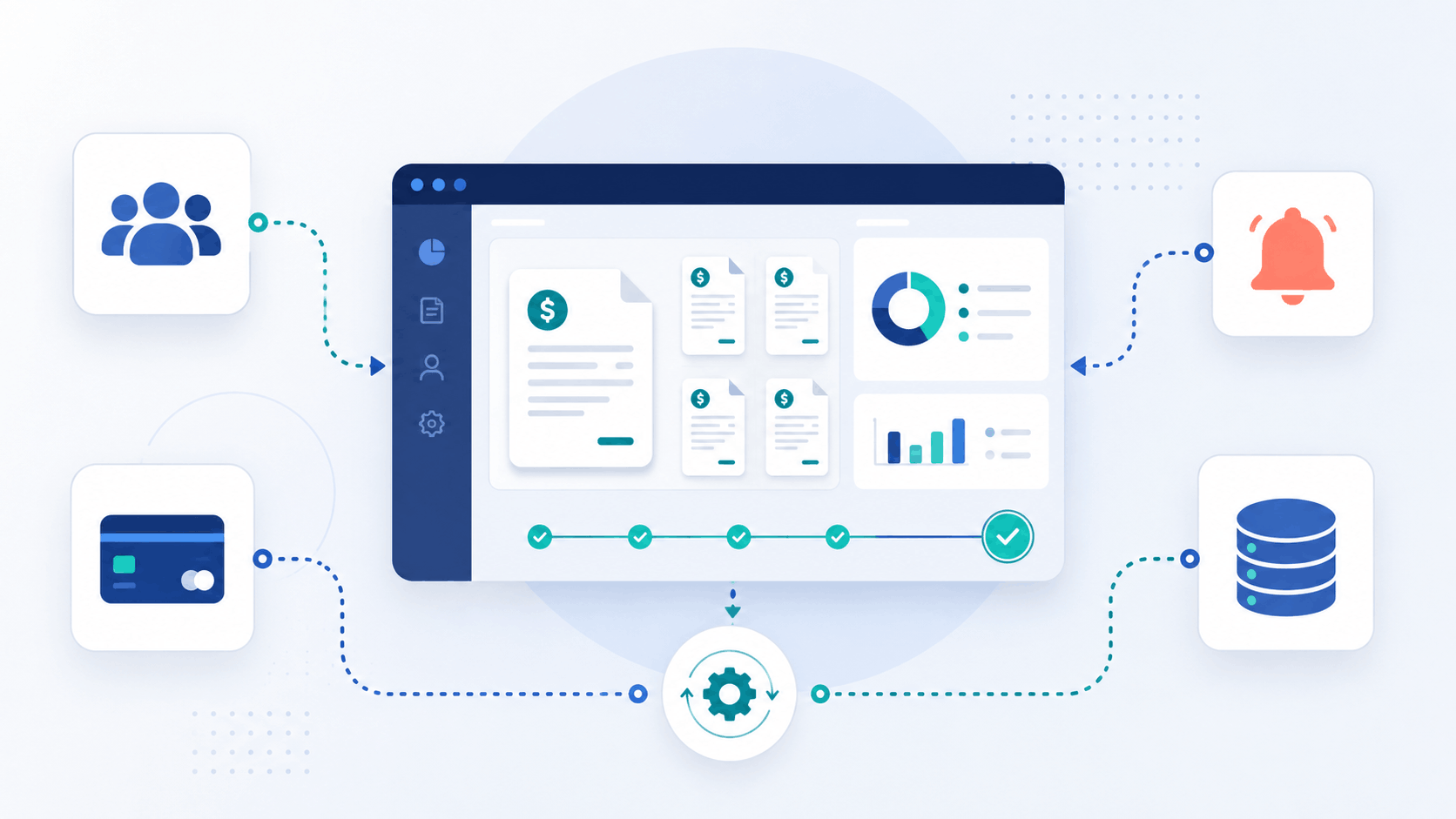
Most businesses start out managing invoices manually — a spreadsheet here, a payment reminder email there. It works, until it doesn't. As client volume grows, so does the operational drag: chasing overdue payments, updating records across disconnected tools, and reconciling data by hand. At some point, the question shifts from "how do we send invoices faster?" to "how do we make billing run itself?"
That's where an invoicing API for developers comes in. Instead of forcing your business into someone else's rigid workflow, an API lets you build billing logic around how your business actually operates — automating the parts that don't need a human, and syncing data with the internal tools you already rely on.
What Is a Custom Billing Workflow?
A custom billing workflow is any invoicing or payment process built specifically for your business logic, rather than relying solely on the default screens and settings of a payment collection platform. It might involve triggering invoices automatically based on project milestones, syncing client and payment data into an internal CRM, or building a dashboard that shows real-time revenue across every client account.
The common thread is programmatic control. Instead of clicking through a UI for every action, your systems talk directly to the invoicing platform's API, executing billing tasks automatically and consistently.
Why Businesses Move Beyond Out-of-the-Box Invoicing
Most invoicing tools cover the basics well: create an invoice, send it, collect payment. But businesses with more complex needs often hit friction in a few common places:
Unique billing triggers. Usage-based pricing, milestone billing, or multi-entity invoicing rarely fit neatly into a standard invoice form.
Data silos. Client and payment information living in the invoicing tool but not in the CRM, accounting software, or internal reporting dashboard.
Manual reconciliation. Someone on the finance team manually checking which invoices were paid, which failed, and which need a follow-up.
Scaling limitations. What works for 20 clients breaks down at 200, especially when every new client means another manual setup step.
An API removes these bottlenecks by letting billing events happen automatically, in sync with the rest of your business systems.
Core Building Blocks of an API-Driven Billing Workflow
A well-designed invoicing API typically exposes four core resources: invoices, clients, payments, and subscriptions. Together, these give developers everything needed to construct a workflow end-to-end.
1. Client creation and management Instead of manually adding clients through a dashboard, your systems can create and update client records automatically — for example, the moment a deal closes in your CRM.
2. Automated invoice generation Invoices can be generated based on triggers relevant to your business: a completed project phase, a monthly billing cycle, or usage thresholds crossed in your product.
3. Payment tracking and reconciliation Rather than manually checking payment status, your systems can query payment records directly, or better yet, react to events as they happen.
4. Subscription and recurring billing logic For businesses with recurring revenue, subscription objects handle the billing cycle automatically, removing the need to manually reissue invoices every period.
Where Webhooks Fit In
While the API itself lets you request and act on data, webhooks flip the model: instead of your systems constantly asking "has anything changed?", the platform tells you the moment it does.
This is essential for real-time billing workflows. Rather than polling for payment status, a webhook can instantly notify your systems when a payment succeeds, fails, or when an invoice status changes — triggering downstream actions like updating a CRM record, notifying a client success manager, or retrying a failed charge automatically.
A Practical Example
Consider an agency billing clients monthly, with pricing that varies based on usage data tracked in an internal tool. A custom workflow might look like this:
Usage data is calculated at the end of each billing cycle inside the internal tool.
That data triggers an API call to generate an invoice with the correct line items.
The invoice is sent automatically via the platform's built-in notifications.
A webhook fires when the payment succeeds, updating the client's account status in the internal tool.
If payment fails, a separate webhook triggers a follow-up email sequence — no manual chasing required.
The result: an entire billing cycle that runs without anyone opening a spreadsheet.
Security Considerations When Building on an API
Custom billing workflows involve sensitive financial data moving between systems, so security has to be part of the design from day one — not an afterthought. Look for a platform that treats data encryption invoicing software practices as a baseline, not a premium feature: data encrypted in transit and at rest, API keys that are never exposed in plain text, and clear separation between your systems and any stored card data.
It's also worth checking how the platform handles authentication for API requests, whether webhook payloads can be verified as genuine, and how access is scoped — so a compromised key doesn't expose more than it needs to.
Getting Started
Before writing any code, map out your billing logic on paper: what triggers an invoice, what data needs to sync where, and what should happen automatically versus what still needs human review. From there, most invoicing APIs follow a similar pattern — authenticate, create or retrieve resources, and subscribe to the webhook events relevant to your workflow.
Building a custom billing workflow isn't about replacing your invoicing platform — it's about making it work exactly the way your business does, without the manual overhead that slows growth down.